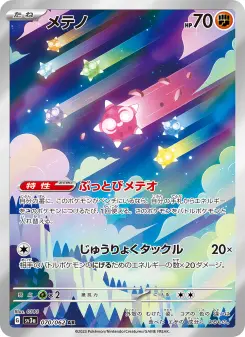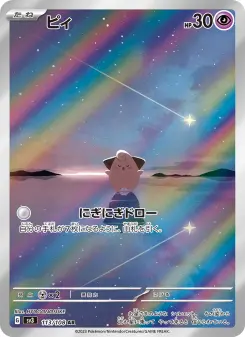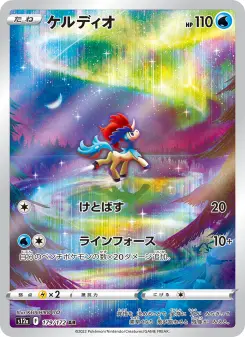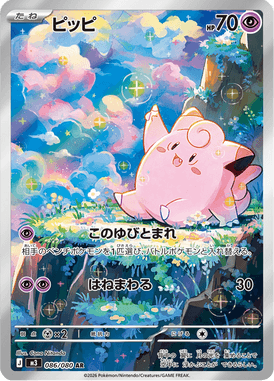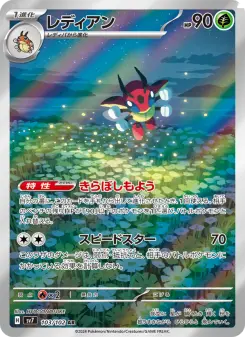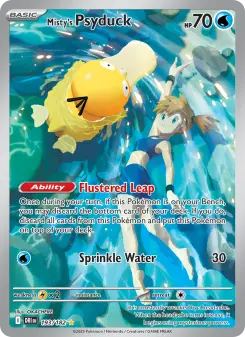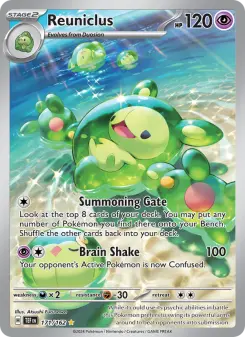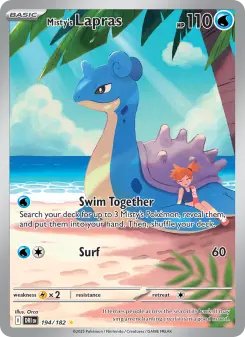
Michi binder layouts for 9, 12, and 16 pockets
Michi layoutsOctober 13, 2026
Michi layouts for 9 and 12 pockets
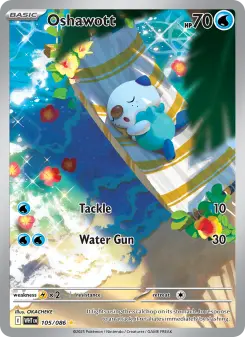
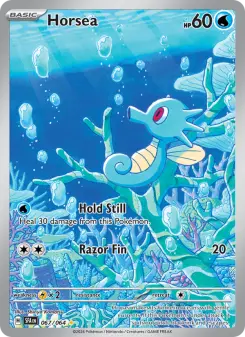
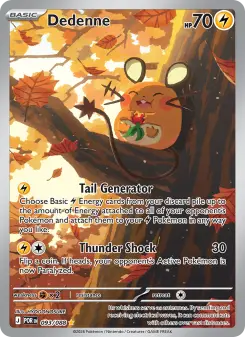
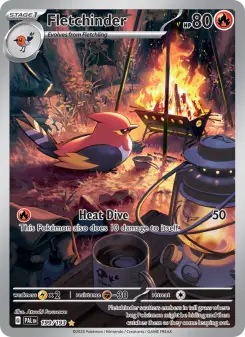
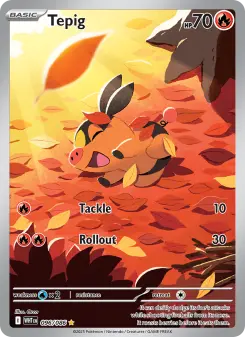
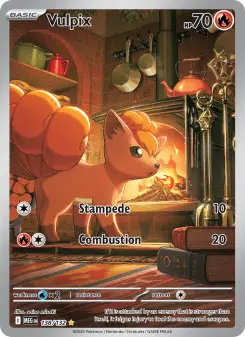
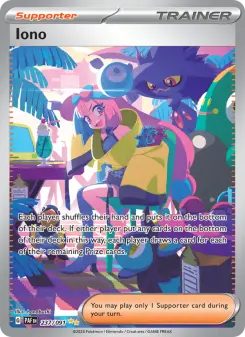
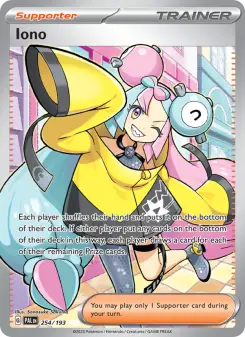
Two wide art blocks use four pockets. That leaves five cards on a 9-pocket page, or eight on a 12-pocket page. The same idea feels less crowded when the cards have room around it.
9 pockets: opposite corners
Two 2-across art blocks leave five card pockets. The middle row can hold a whole evolution line.
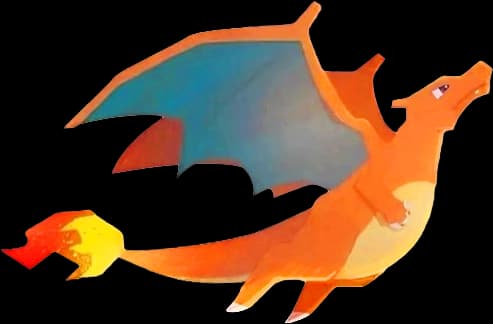
Charizard artwork by Nejimakick12 pockets: room around the art
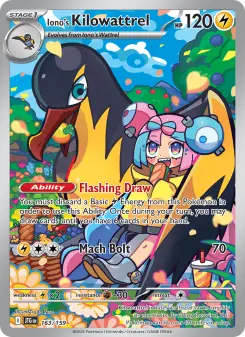
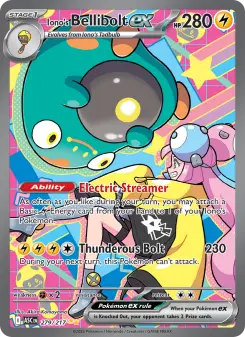
The same two art blocks leave eight card pockets. Keep the two extra cards beside the top and bottom scenes.
Charizard artwork by NejimakickThese are layout suggestions, not photos of finished binders. Tap an artwork to open its credited entry in Michi Art.
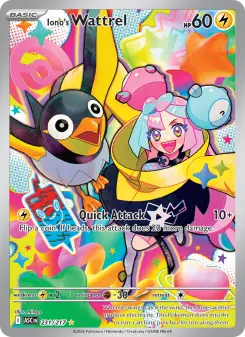
One art pocket or a tall scene
9 pockets: one small anchor
One art pocket leaves eight cards. Eevee in the center connects all eight evolutions.
Eevee artwork and source details12 pockets: a tall side scene
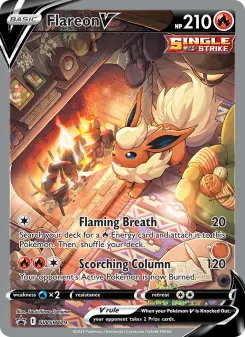
A 2-down insert uses two pockets, leaving ten for cards. A 3-down scene would leave nine.
Drifloon and Ditto artwork by Be_.BIRDA single insert works when the cards already carry the page. Tall art suits a side column: use 2 down for a short scene or 3 down for the full height of a three-row page.
A 4-pocket artwork on a 16-pocket page
16 pockets: one 4-pocket block
A 2 by 2 artwork uses four pockets, leaving twelve cards. Keep the rest of the page quiet enough to read the scene.
Mew and Mewtwo artwork by ふくThe 2 by 2 block leaves twelve card pockets. Place it first, then check whether the surrounding cards support the scene or compete with it.
Keep faces away from seams
Choose art with space between important details. Check the crop in every tile, not just the full image. Joining art in the editor changes the preview; it does not remove the seams in your physical binder.
Start with one page
The starter is an empty 9-pocket page, not one of the filled examples above. Add your cards, then use Michi Art for an insert. Keep a spare page for new cards rather than squeezing them into the finished arrangement.
Use the layout guide to switch grid sizes, or the printing basics when it is ready for your physical binder. More Michi binders can be remixed whole or by selected pages.