Use TCG Pocket art in a Michi binder
TCG Pocket artOctober 13, 2026
Can you put TCG Pocket art in a physical binder?
Yes, as a printed Michi art insert. It's still digital-game artwork, not an official physical card. Keep the insert off your physical-card checklist.
Three pages to try
These are suggested arrangements using public Michi Art entries and physical cards. Tap a card for its printing, artist and estimated value. Tap the art to open its entry.
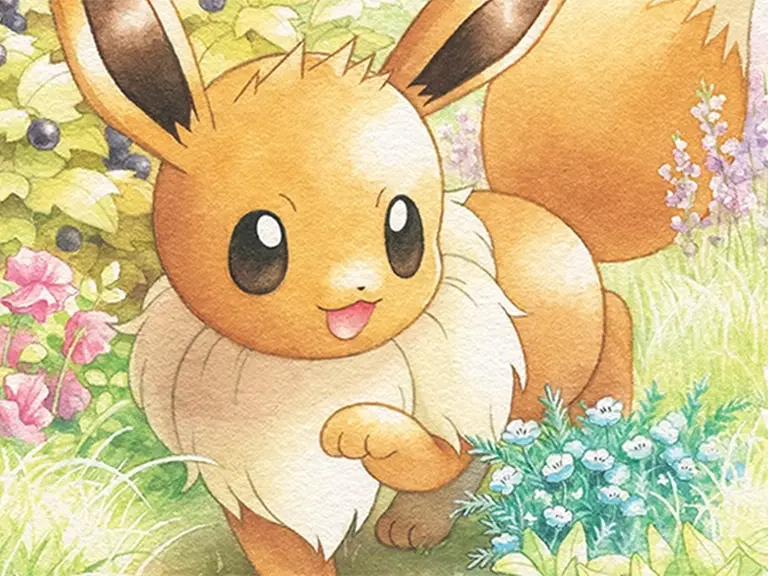
Eevee and the eight Eeveelutions
One Pocket Eevee insert in the center, eight physical Eeveelutions around it. Nine pockets, no spare slots.
Eevee artwork and source detailsGreninja on a four-pocket page
Froakie, Frogadier and Greninja from XY follow the evolution line. The fourth pocket holds the digital-game artwork, not another physical printing.
Greninja artwork and source detailsLillie's scene above her partners
Two art pockets leave seven cards. Lillie's named partners sit above Cosmog's evolution line; Clefairy fills the top-right pocket.
Lillie Pocket artwork by Atsushi FurusawaWhich pocket fit should you use?
Use the entry's published fit: Eevee and Greninja use one pocket; Lillie's wide scene uses two across. Don't stretch a portrait into a strip. If the scenery is the part you like, keep it in the crop.
Try it in your binder, then print
Open the art entry and choose its binder action to place it, or Print inserts for a standalone print. Guests can browse and print public entries too. Start with a plain-paper test at 100% / Actual size before using your good paper.
A two-pocket image still crosses a physical seam. Preview separate inserts before trying a continuous strip; not every binder's pockets connect.
Check the original source and reuse terms on the entry. A credit isn't permission to redistribute or sell the artwork. New Pocket releases don't need empty checklist slots unless you actually want another printed insert.